Chapter one
The basics — board and tokens
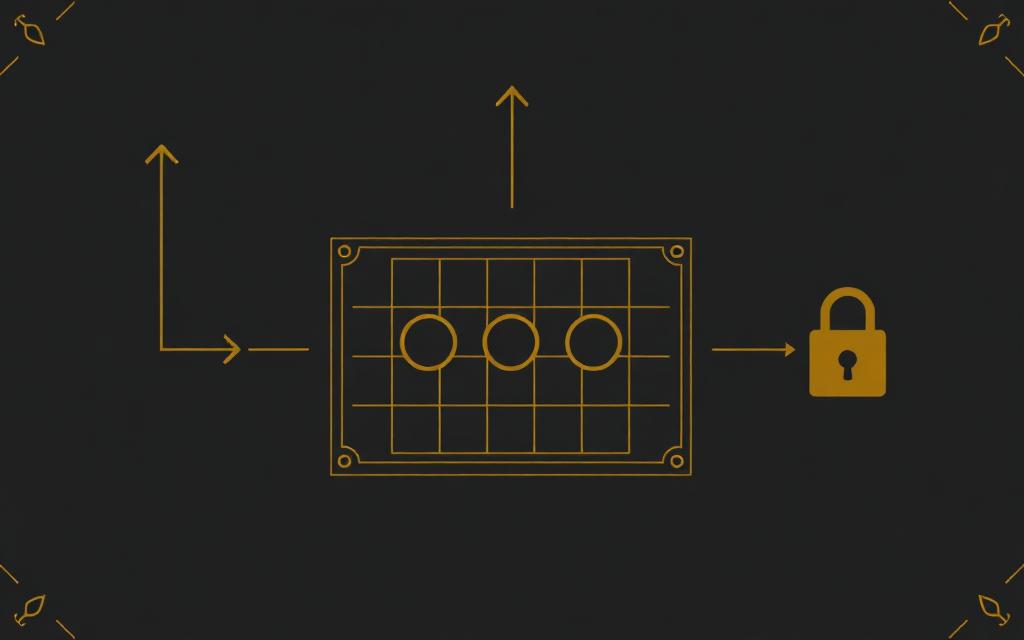
Everything starts with a map and a handful of tokens. Nothing is uploaded to the internet: your images live on the machine you are running the app on.
1.Sign in
Open the app and enter your password. A GM password opens the full presenter; a player password opens only the live player view.
2.Upload a board
Sidebar → Board → Upload board. Any JPG, PNG or WebP works. Large images are resized automatically so the board stays smooth.
3.Add tokens
Upload tokens into the Human, Animal, Hybrid or your own custom libraries. Transparent PNGs look best. Drag a token from the library onto the board to place it.
4.Move and arrange
Drag to move, scroll to zoom, hold Space to pan. Arrow keys nudge the selection, Shift + arrows move a whole square, and Shift + drag marquee-selects several tokens at once.
5.Lock the map
Once the map is framed the way you want it, press Lock map. The board freezes in place while tokens stay fully movable and resizable.
6.Show the players
Player view fills the screen with the clean table view — no sidebar, no GM notes. Use Player window instead if you want it on a second display or shared into a Teams call.
Tip · Save your set-up as a scene from the Scenes tab. Scenes keep the map, tokens, grid, fog and view, and can be reloaded in one click mid-session.
Chapter two
Running combat
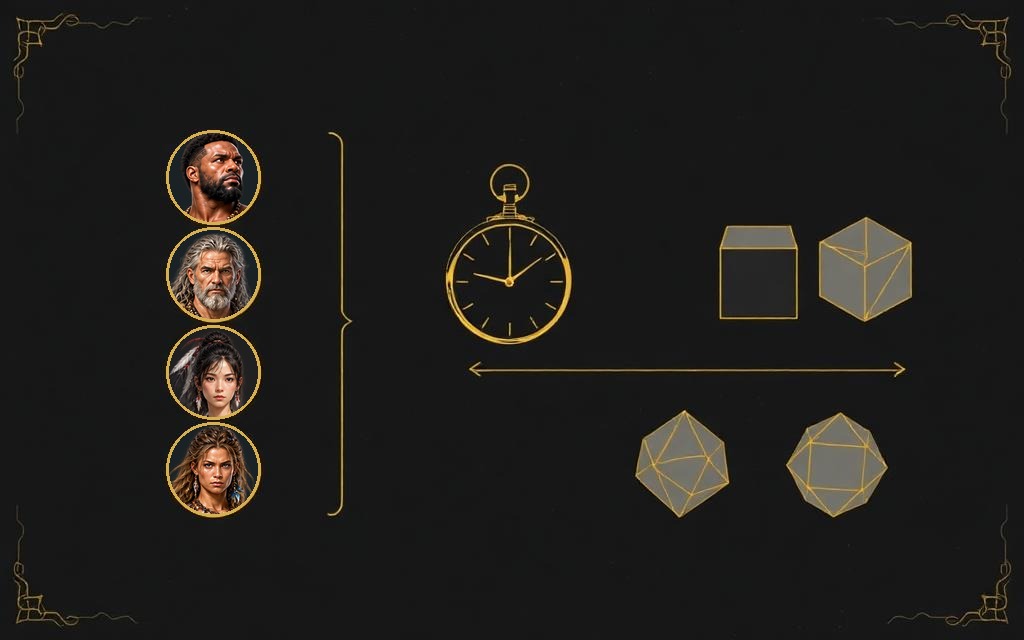
Combat is tracked with initiative order, rounds and the Injury / Damage Threshold system. There are no hit points in Age of Instinct.
1.Build the order
Sidebar → Combat. Add each combatant, enter their initiative and let the list auto-sort. Ties prompt you to choose who goes first.
2.Advance turns
Next turn steps down the list and bumps the round when it wraps. A combatant can delay their turn and re-enter later in the round.
3.Roll dice
The dice tray rolls d4, d6, d8, d10, d%, d12 and d20 with an animated result. A natural maximum flashes CRITICAL on every screen, and results mirror into the player view.
4.Damage and injuries
Compare incoming Impact against the target's Damage Threshold. Each time DT is exceeded the target gains an Injury level with its own penalties; six Injuries is death.
5.Keep it brisk
Turn timers of 30, 60 or 90 seconds appear on the player view, and the combat log records rounds, delays and injuries as they happen.
Tip · Three action pips sit on each combatant's turn — spend them as you act; they reset automatically at the start of the next turn.
Chapter three
Characters and companions
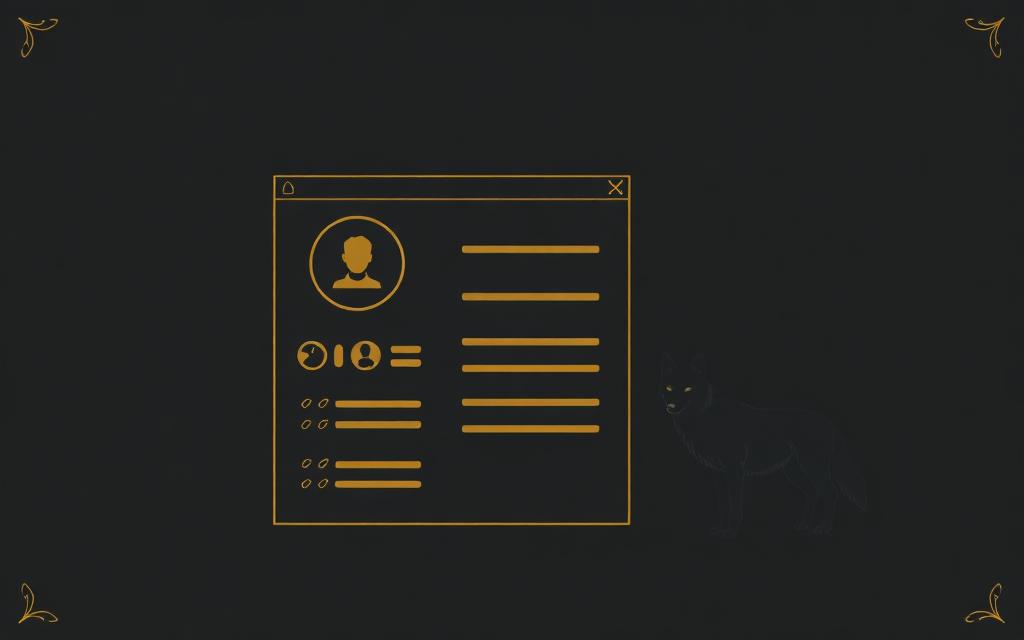
The Character Builder walks a new player from occupation to finished sheet, including their animal companion and hybrid form.
1.Create a character
Open Characters and start a new one. Choose an occupation to seed the starting attributes, skills, weapons and equipment.
2.Pick a companion
Every character is paired with an animal from the Companion Library. Its statistics feed the hybrid form automatically.
3.Human, animal, hybrid
The sheet shows all three forms side by side. Hybrid physical stats and combat bonuses are calculated for you — no maths at the table.
4.Play from the dashboard
The Combat Dashboard is the in-play view: attacks, defence, injuries, conditions and actions in one panel.
5.Progression
Award XP as you go. Every spend is written to the progression history, so a character's whole life is auditable.
Chapter four
Live remote play
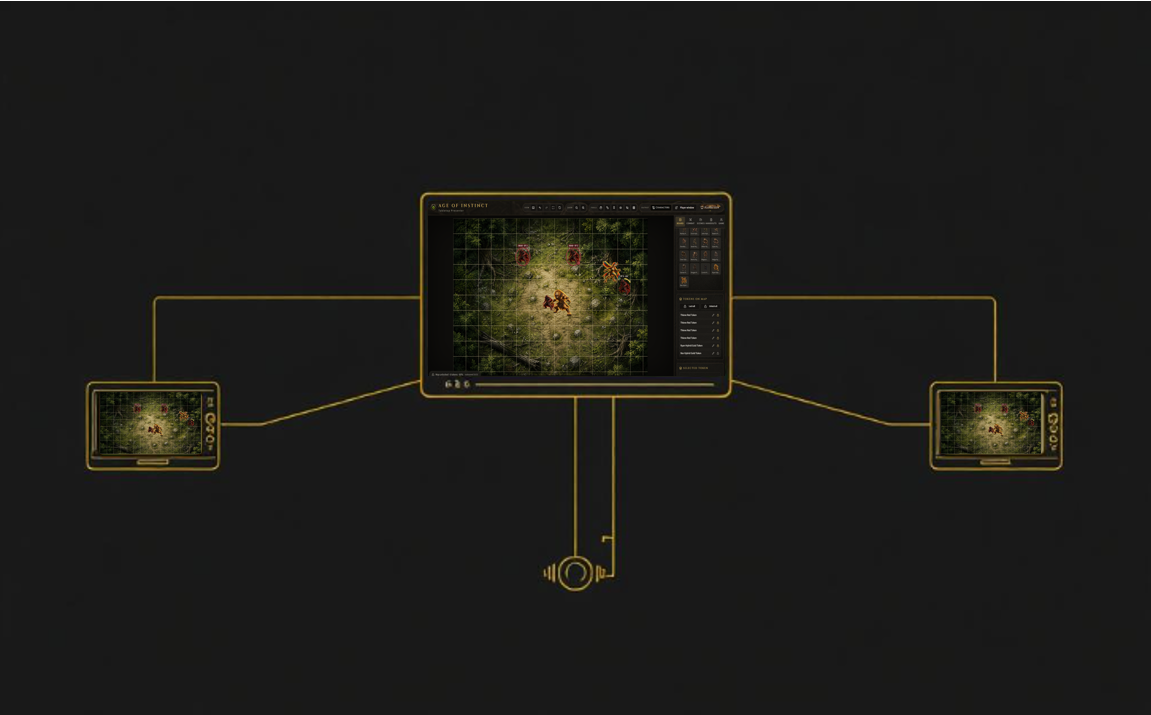
Players away from the table can join the live player view from their own device — no accounts, just a password you give them.
1.Start the game
Sidebar → Game → start your live session. The current scene begins broadcasting immediately.
2.Share the player password
Give remote players the app link and the player password. They see the live board and nothing else — no GM tools, no hidden tokens.
3.Assign sheets
From the seat list, hand each connected player their character sheet and combat dashboard.
4.Handouts and pings
Reveal an image, document or video handout to everyone at once, and Alt + click the board to flash a “look here” marker.
5.Fog of war
Painted fog hides both the map and any tokens inside it. You still see concealed tokens as silhouettes; players see nothing at all.
Tip · If your connection drops the session reconnects quietly and re-sends the current scene — players usually never notice.
Ready to play?
Instinct · Strategy · Story
Open the app and press the help button in the top bar for a guided tour of the live screen — it points out every control in place.